 Have you ever been in a situation where you had to apply Thermal Paste on a CPU? It doesn’t matter if you did or not, but do you know how to apply Thermal Paste the right way?
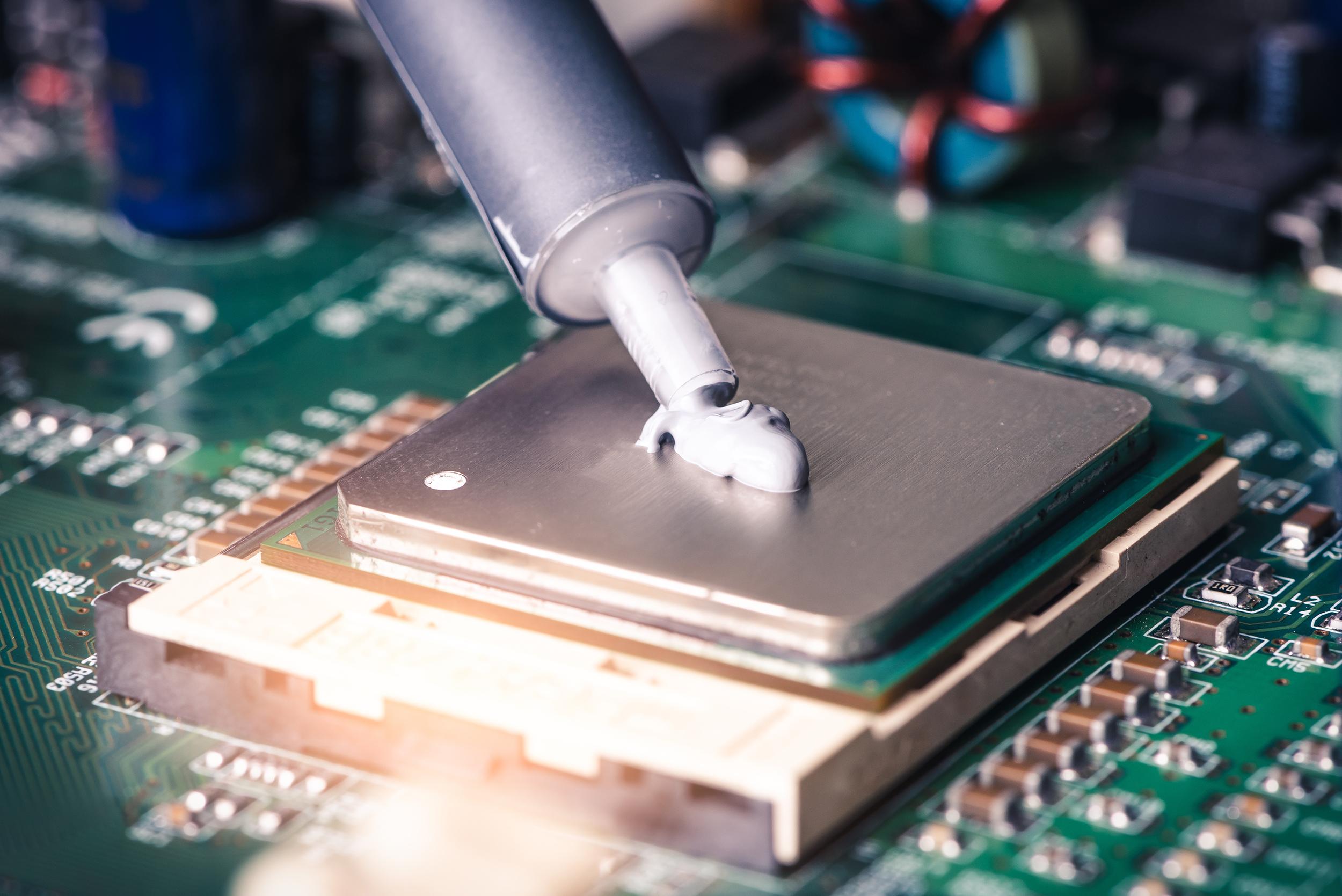
In this Blog Post, I’ll help you learn how to apply Thermal Paste, and how to remove it properly. First off, if you have a CPU that already has Thermal Paste on it, and your goal is to remove it, then you can use a Toothbrush, a Polishing Cloth, a Tissue, a Sponge, or anything like that after removing it from the CPU socket. But beware to avoid any liquids coming in touch with your CPU, as it could lead to irreversible damage. Remove every tiny bit of old Thermal Paste before applying a new one. Now let’s get to the part on how to apply it. You first want to make sure that you placed the CPU back in, and that your Thermal Paste is ready. Thermal Paste usually comes in the form of a Syringe with a hole on the back where Thermal Paste comes out if pressed. So, when you have your Thermal Paste, CPU, and Cooling Fan ready, and you made sure to clean the CPU, then you can start applying Thermal Paste by slowly squishing out a dot that’s in the middle of the Processor. It should look something like the picture above. Now after you do that, you can put the Thermal Paste away, as we won’t be needing it anymore. Now you want to get your Cooling Fan and place the part that transfers the Heat on the CPU. Usually, it’s either Copper or Silver-Color. Place and push it onto the CPU so that the Thermal Paste in between can spread equally. If you did that successfully, don’t let go of the Cooling Fan, as you still need to attach it to the Motherboard using the screws. They’re often Gold or Brass-Colored. After you do that, you can safely connect all the wires that still are loose. Then, hopefully, your CPU and your Cooling Fan should work flawlessly. Thanks for reading, I hope I helped you.